
Beyond Christmas: Everyday and Game-Day Lighting Ideas
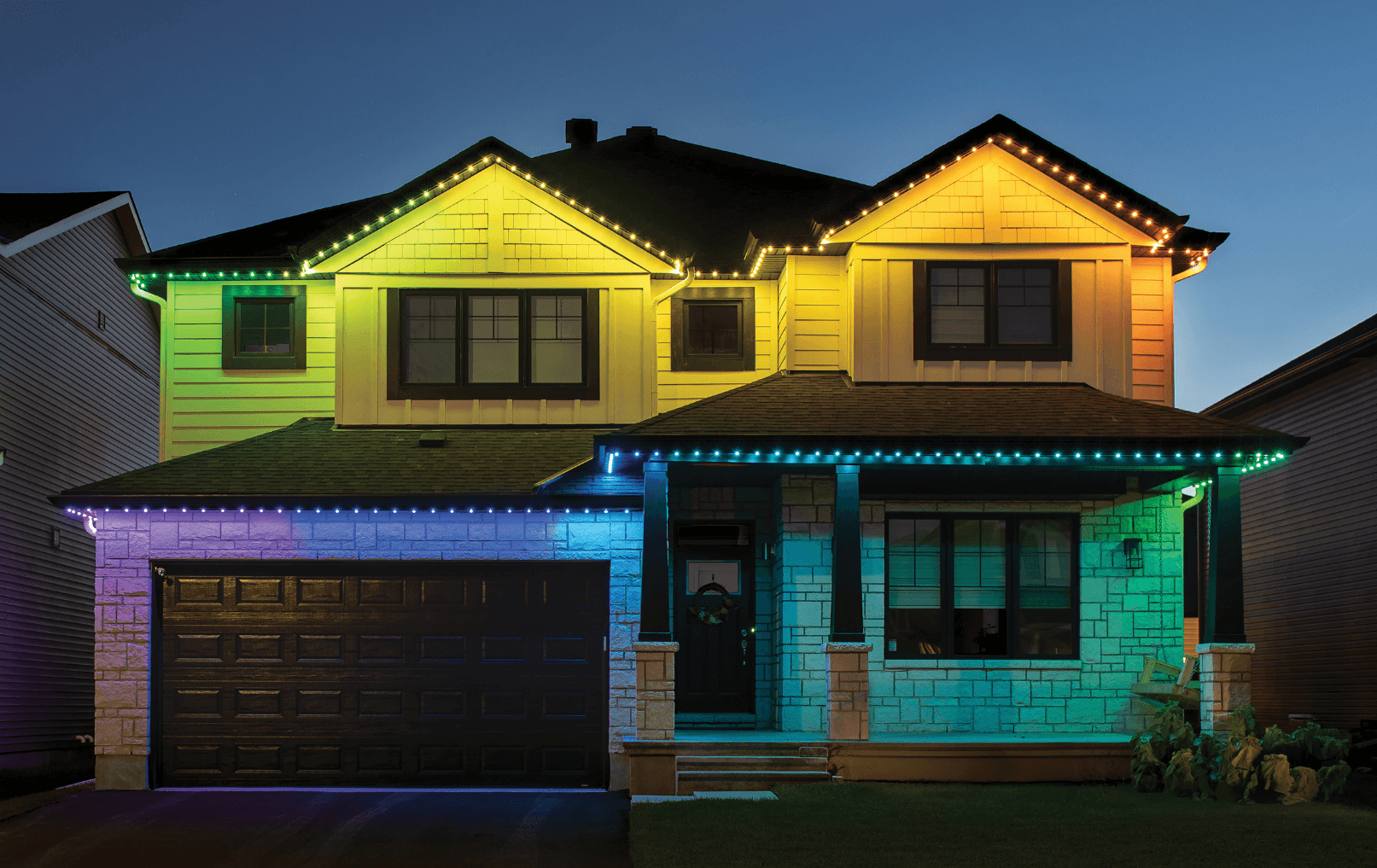
Permanent lights earn their place on a home when you enjoy them between holidays, too. Think of your roofline as part of the setting: welcoming on a quiet evening, colorful for a birthday and ready for a game-night celebration.
Here are practical ways to use Celebright permanent smart lighting from YESCO South Dakota East, including the requirements behind the connected features.
Create your everyday welcome
Start with a white-light look that complements the home. Try a lower brightness and a simple pattern before adding more effects. Save a favorite so it is easy to return to after the holidays or a party.
Think about the view from the driveway and from your outdoor seating. Roofline lighting adds atmosphere, but the useful illumination depends on its placement; discuss separate task lighting where you need to see steps or work areas clearly.
Give each celebration its own look
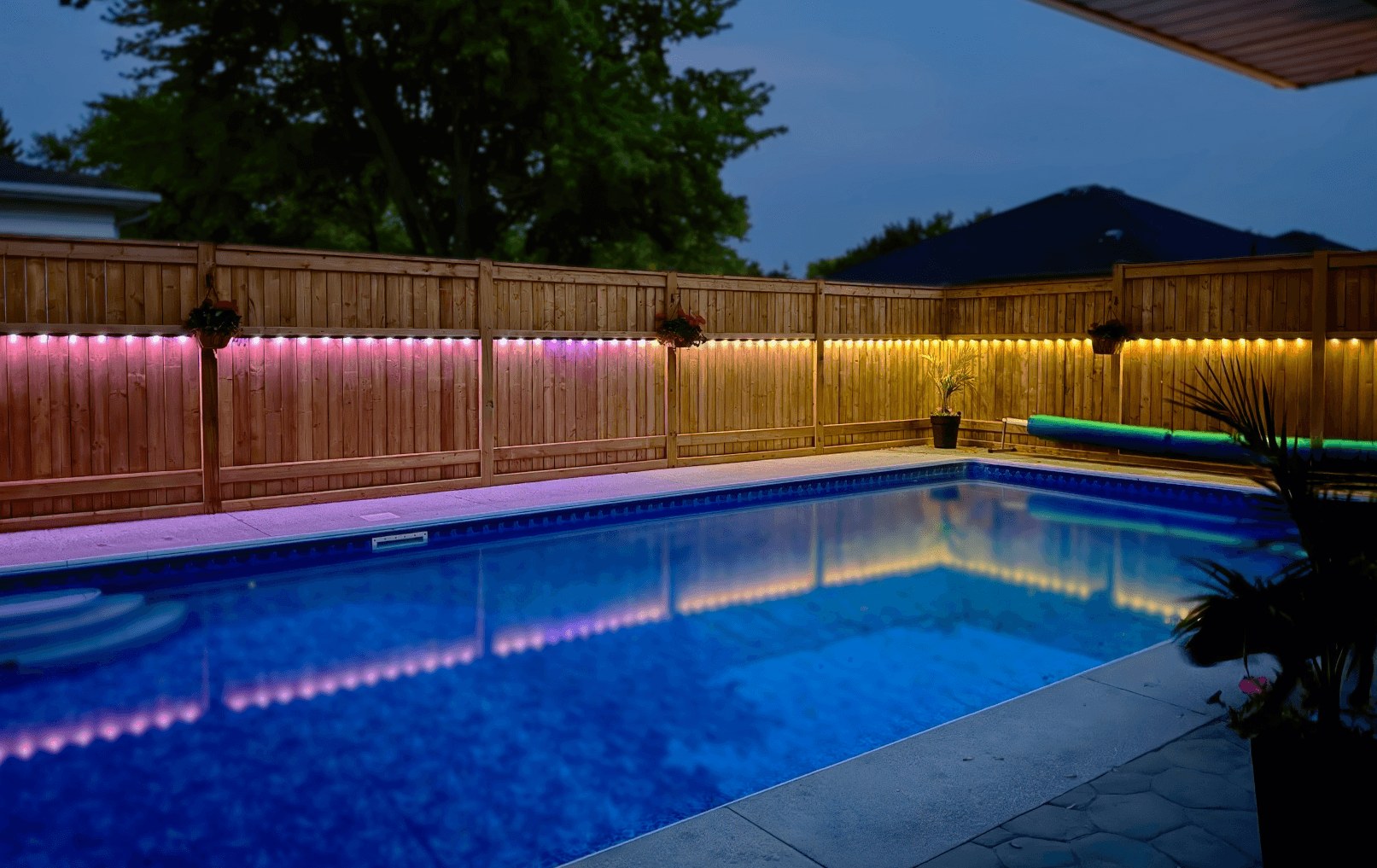
A birthday can have a favorite color. A backyard gathering can have a softer setting. Holidays can have their own patterns without another trip up a ladder to swap temporary roofline lights. Choose a look that fits the occasion and your neighbors.
Let a score start the celebration
Celebright’s built-in Sports Triggers can react when a supported team scores. You choose a saved Look or Scene and a celebration duration, then the display returns to its previous setting. This built-in feature does not require IFTTT.
Support includes several professional leagues and selected college programs; check your team before planning around it. Celebright specifies Cloud mode, an online controller and firmware 2.05 or newer. In a Device Group, Sports Triggers currently affect the first controller only. See Celebright’s Sports Triggers guide for current requirements.
Connect lighting with your routines
Celebright supports Google Home and Amazon Alexa integrations for compatible voice controls and routines. A bedtime routine, for example, can include turning the lights off. Available actions depend on the integration and setup; review Celebright’s smart integration instructions before choosing accessories.
IFTTT offers additional connections to compatible services and devices. A compatible motion sensor can be part of a routine that changes the lighting when someone approaches. That requires the appropriate sensor, accounts and configuration; the lighting itself does not detect motion. Third-party service availability and plan requirements can vary. Explore Celebright’s IFTTT examples.
Start with the moments you care about
You do not need every integration on day one. Choose an everyday look, a few celebration favorites and a schedule first. Add connected features when they solve something useful for your household.
Talk with YESCO South Dakota East about your home. Share your city, desired rooflines and the features that interest you so we can discuss a suitable installation and confirm coverage for your address.